
Flightlog is for travellers who want to keep a personal history of where they've flown without feeding it to a third-party tracker. Punch in a flight number and date, and it pulls the route, airline, aircraft, terminals, gates and times from AeroDataBox, then stores everything locally in SQLite.
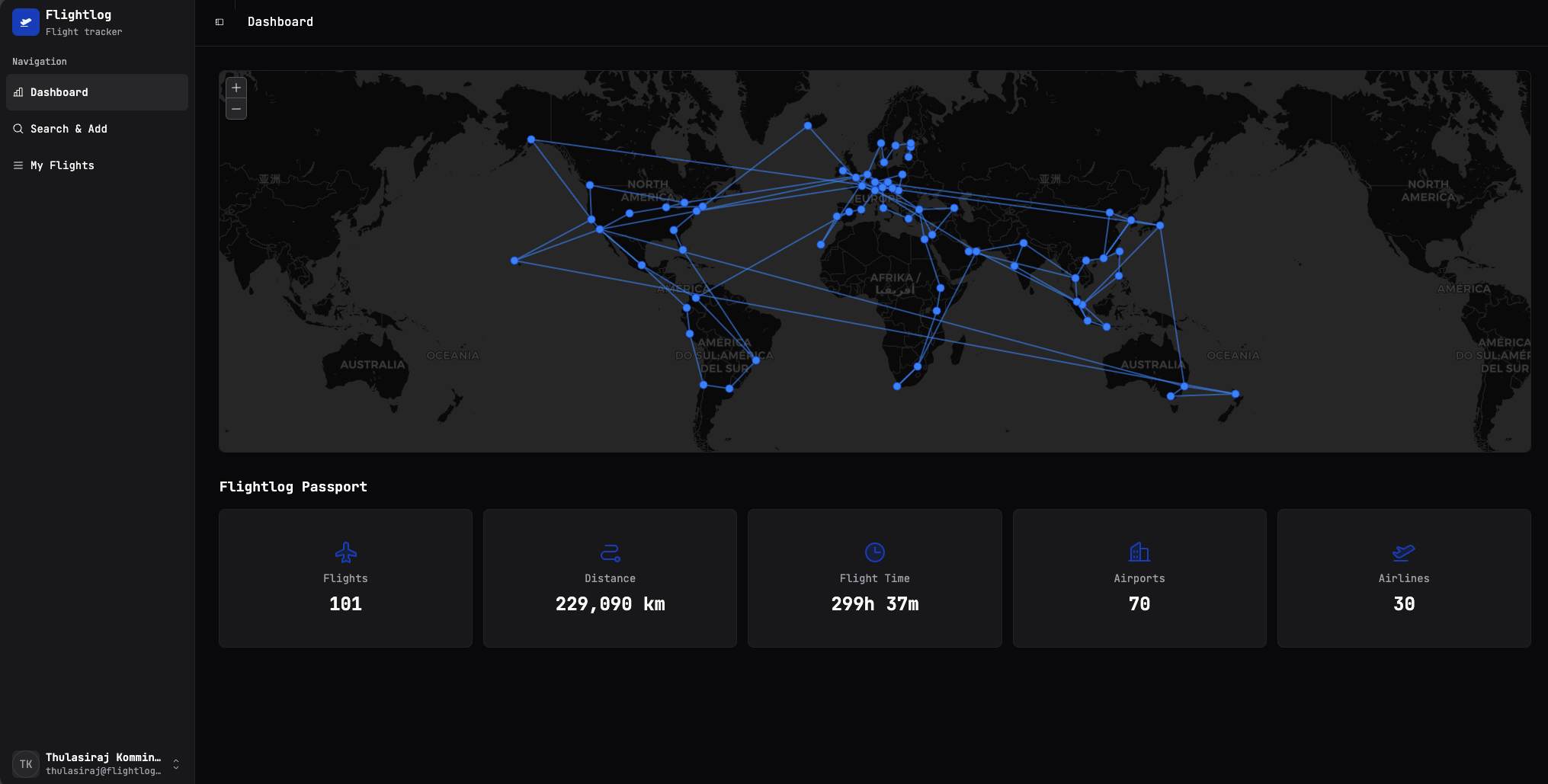
You get a world map of your trips, totals you can show off (distance, hours in the air, airports, airlines), and a tidy list you can search, export and re-import whenever you want.
What you can do with it
-
Look up a flight
Type the flight number from your boarding pass and the date — Flightlog fetches the full schedule, route, gates and aircraft type.
-
See your flights on a map
Every flight you save shows up on the dashboard map, with passport-style totals underneath.
-
Manage your logbook
Browse your flights by year, expand a row for the full detail, or remove the ones that don't belong.
-
Bring your data with you
Import a Flighty CSV to get started, or export your own data any time you like.
Get up and running
The fastest way to try Flightlog is the published Docker image — it takes two files and one docker compose up.
Why self-hosted?
Your flight history is surprisingly personal — it's a map of where you've been and when. Flightlog runs on your own hardware (a tiny VPS, a homelab, a Raspberry Pi), keeps the database next to it, and never phones home. The only outbound call is to AeroDataBox to look up flight details — and even that's cached so the same flight is only ever fetched once.